Quick answer
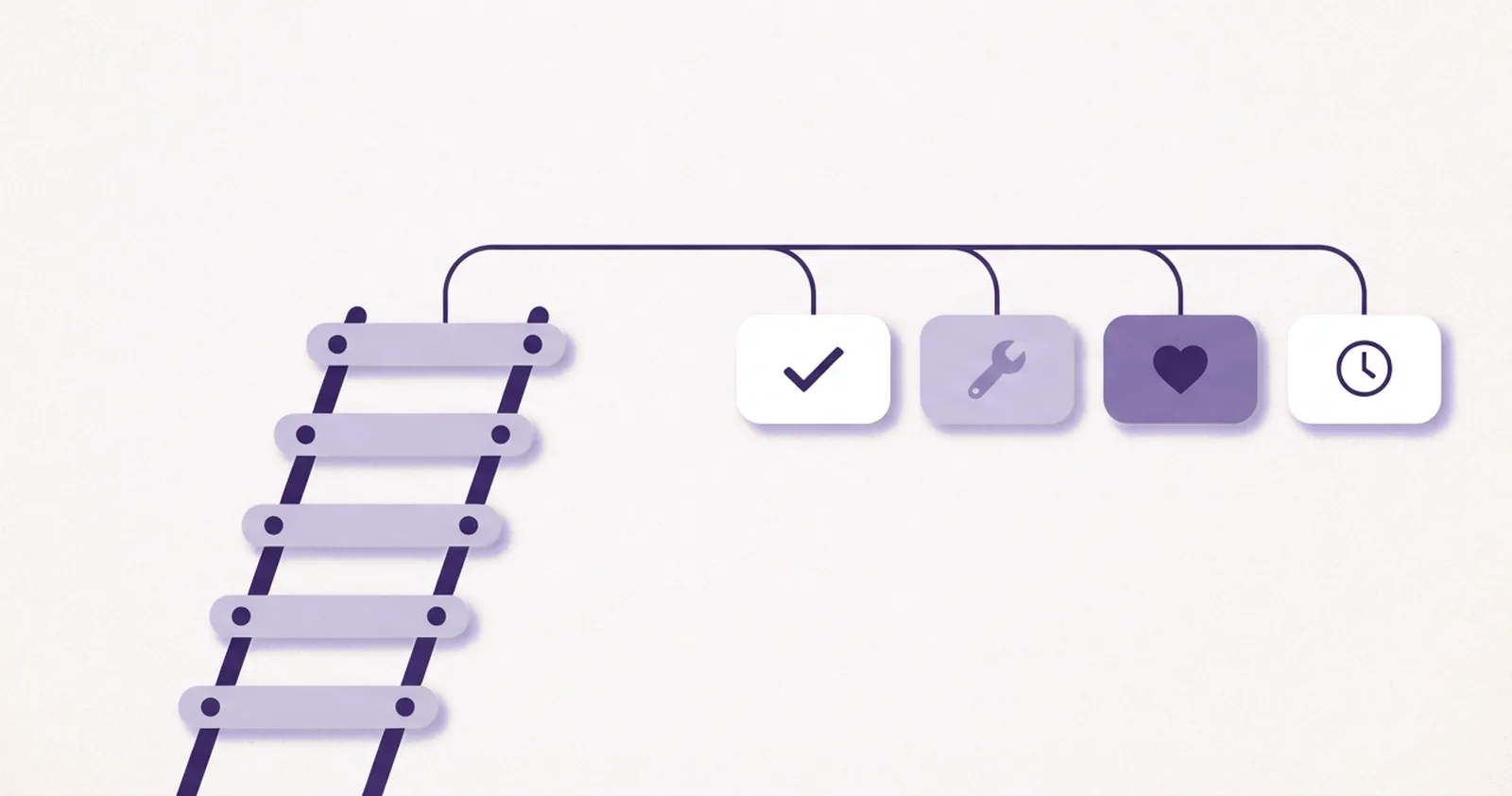
- The five questions: Does it repeat? What does it cost today? What must stay human? What does it touch? What happens when it breaks?
- The four outcomes: Automate now, Simplify first, Keep manual, Revisit later.
- Processes get scored one at a time, starting with the one that annoys the owner most.
- Scoring needs no software. A pen and a sheet of paper work fine.
- The free Automation Readiness Worksheet holds all five questions in a two-page fillable PDF.
What makes business workflow automation worth the effort?
A familiar automation story goes like this.
One business owner gets tired of a task, signs up for a tool, and builds something late at night. A month later the automation stops working, and nobody remembers how the setup worked.
The missing piece in stories like this is a decision about whether the task was worth automating in the first place. Tools that promise to automate your workflow in minutes rarely mention that decision, and owners who automate business workflow steps without making it risk rebuilding later.
Automation is a set of instructions that runs without a person. It goes wrong in three common ways:
- When the instructions are unclear, the result is unclear work delivered faster.
- When a task needed a human touch, the result is a robot with bad manners.
- When nobody owns the setup, the result is a mystery that one day stops running.
Another common pattern is collecting tools, watching demos, and comparing features while the central question goes unasked: is this process worth automating at all?
A short set of questions answers it. They are quick to answer for one process, and they help a business avoid building the wrong thing. This guide fits service businesses and coaching practices, where time is short and a clear way to decide is worth more than a lecture on software.
What is the five-question test?
The five-question test is a short checklist applied to one business process at a time. It has five questions:
- Does it repeat? Is the task done the same way at least once a week?
- What does it cost today? Count the lost money, the late money, the wasted time, and the trust at stake.
- What must stay human? Name the parts that need judgment, tone, or a real relationship.
- What does it touch? List the tools, the data, and the person who owns it.
- What happens when it breaks? Decide who will notice, what the fallback is, and whether the change can be undone.
After the five answers, the process lands in one of four outcomes, described further down. The questions come first.
A few terms help here:
- Process: any set of steps that produces a result, such as sending a quote or onboarding a client.
- Workflow: the same process laid out step by step.
- Automating a business workflow: letting software perform some or all of those steps. People sometimes call the finished result a business automation workflow or an automated business process workflow.
Question 1: Does it repeat?
Automation works best on patterns. A task done the same way every week gives a tool something to follow, while a task where every case differs gives it very little.
A quick check is to recall how the task ran the last three times. The task is a candidate if:
- the steps matched,
- each run began with the same trigger (a form, a booking, or a payment), and
- each run ended the same way.
If the cases varied a lot, the task is not ready yet. A business can write down the part that repeats as a simple process first, and the build starts from there.
Frequency is a useful guide. A task that happens less than once a month rarely earns back its setup time. Weekly or daily tasks deserve a closer look.
When each person on a team does a repeating task differently, that task needs attention first. That situation is a “Simplify first” case, covered below.
Question 2: What does it cost today?
This question is easy to skip, and it is the most useful one. A phrase like “it takes forever” needs numbers behind it before it counts as a cost. A task can cost a business in four ways:
- Lost money: Leads or clients go cold because a reply came too late.
- Late money: Invoices sit unpaid because nobody sent a reminder.
- Wasted time: The task happens a certain number of times a week, and each run takes a certain number of minutes.
- Trust: A missed step or a forgotten follow-up leaves a client feeling unseen. This cost is hard to price, so it is best named without inventing a number.
The math for the time cost is simple:
times per week x minutes each / 60 x what an hour of the owner’s time is worth
A rough guess is enough. The aim is to see whether the task is worth fixing.
A ten-minute task done five times a week adds up to under an hour, which may not justify a tool. The same task done twenty times a day is a different story.
Dread also counts as a cost. A task that makes Monday feel heavy has a price, as long as the feeling sits next to the numbers instead of replacing them.
Question 3: What must stay human?
This question is where automating “for the good reasons” comes in. Some parts of a service business keep their value because a person handles them, even when software could do the job.
Three prompts help sort the steps:
- Where do clients feel cared for?
- Where does judgment matter?
- Where could a wrong message damage trust?
Signs that a step should stay with a person:
- It needs tone, such as a reply to an upset client.
- Judgment decides the outcome, such as whether a lead is a good fit.
- Money, legal terms, or promises that must be kept are at stake.
- It is a moment of real connection, such as a first call.
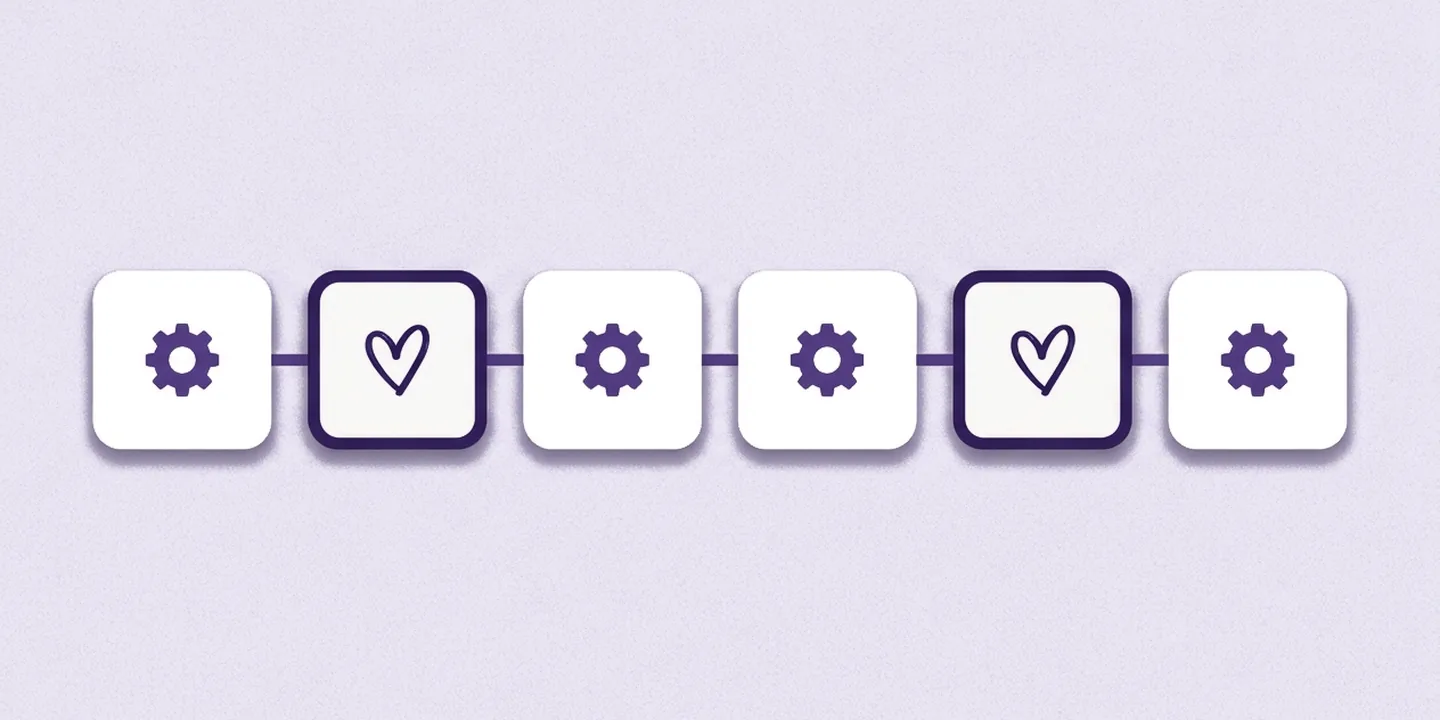
Money appears on both sides of the line. An invoice reminder is a routine step that fits automation, while a payment plan or a refund calls for a person’s decision.
The best candidates for automation are the routine steps around the human parts, such as confirmations, reminders, and record keeping. The warm moments are worth protecting, even when they would be easy to build.
Question 4: What does it touch?
Every process touches something, whether a calendar, an inbox, a spreadsheet, a payment tool, or a client list. A short list covers it:
- Which tools are involved? Each one gets a name.
- Where does the data live? Names, emails, and dates should look the same everywhere.
- Who owns it? One person is in charge of the setup, and “the team” does not count as a person.
The list also shows the level of automation:
- Level 1, a native automation: the process stays inside one tool, and the rules live in that tool.
- Level 2, an integration: the process crosses tools, and a connector such as Make, Zapier, or n8n carries the work between the apps. That involves three or more tools: the two apps and the connector.
Messy data is the quiet killer of automation. If half the leads have a phone number in the name field, an automation copies that mess everywhere, quickly.
A long list of tools makes a process harder to build. It means more planning, smaller builds, and more testing. When the steps are hard to connect in the mind, drawing them as boxes and arrows on paper helps.
Question 5: What happens when it breaks?
Every automation breaks eventually. A tool changes its settings, a password expires, or a form gets a new field. Breaking is a normal part of the life of a workflow, so the useful question is what happens next:
- Who will notice? An alert is better than learning about the problem from a client complaint.
- What is the fallback? If the automation stops, the task should be doable by hand for a week.
- Can it be undone? If the wrong message goes to 50 people, there should be a way to fix that.
Automations that touch money, legal terms, or many clients at once need a tight fallback. Automations that only move data between a business’s own tools can be looser.
A sound rule is to avoid automating anything a person could not do by hand in an emergency. Nobody can repair a process nobody understands when it stops.
What are the four outcomes?
After the five questions, the process lands in one of four outcomes.
| Outcome | What it means | Typical signs |
|---|---|---|
| Automate now | The process is a good fit today. | It repeats, has a clear cost, uses clean data, has an owner, and has a fallback. |
| Simplify first | The process repeats, but it is messy. | Different people do it differently, the data is messy, or nobody owns it. The owner fixes the process, then automates it. |
| Keep manual | The process stays with a person. | It needs judgment, tone, or a relationship, or it happens too rarely to be worth it. |
| Revisit later | The process could be useful, but the time is wrong. | The cost is low today, or it depends on a change that has not happened yet. It goes on a list for a recheck in three months. |
A “Simplify first” result is useful news, because it points to something to fix before any money goes into a tool.
What does a slow reply cost, and what comes next?
Handling inquiries is a common first process to score, because it repeats daily and researchers have measured the cost of waiting.
Are you a business owner who answers inquiries by hand? Think about how much time goes into those replies each week. Then think about what it costs when leads go cold while waiting for an answer.
Research on web inquiries puts numbers on that wait. Both findings below come from one Harvard Business Review article and measured sales inquiries sent through company websites (source):
- Speed to qualify: The 2011 study followed 1.25 million web leads at 29 B2C and 13 B2B US companies. Companies that tried to contact a lead within an hour were nearly seven times as likely to qualify it as companies that tried one hour later. Qualifying means reaching a meaningful conversation with a decision maker.
- Replies that never came: An audit in the same article sent a test web inquiry to 2,241 US companies, and 23% never replied at all.

Question 2 turns that into a business’s own numbers:
- Wasted time: the minutes per reply times the replies per week.
- Lost money: the inquiries per week, times the share that go cold, times the share that would have become clients, times the value of one new client.
Those two results show what the process costs today, and the other four questions decide what happens next.
How does an inquiry process score on the five questions?
Picture a coaching practice that receives inquiries through a website form. Scored on the five questions, a process like this can read as follows:
- Does it repeat? Inquiries arrive every day.
- What does it cost today? Leads go quiet during the wait, and each reply takes minutes that add up across the week.
- What must stay human? In many practices the first reply carries the owner’s warmth, while the confirmation and the booking link carry far less of it.
- What does it touch? The website form, email, and a calendar, all under one owner.
- What happens when it breaks? Replies can be sent by hand, and a missed reply costs a lead rather than a lawsuit.
The outcome depends on the case:
- Confirmations and booking links often land in Automate now.
- A personal follow-up could stay manual or move to automation, depending on how much of it rests on the owner’s judgment.
- Replies that follow no set pattern point to Simplify first, because the process needs a shape before any tool can follow it.
The level depends on the setup too. A confirmation sent by the email tool itself is a Level 1 native automation. A form that triggers a booking link in the calendar through a connector is a Level 2 integration, which involves three tools: the form, the calendar, and the connector. Either can fit, depending on the tools the practice already uses.
Conclusion: start with one process
Automation pays off when the decision comes before the tool. The five questions turn a vague wish to save time into a short, checkable picture of one process:
- how often it repeats,
- what it costs in lost money, late money, wasted time, and trust,
- which parts belong to a person,
- what it touches, and
- what happens when it stops.
The best process to score first repeats often, carries a small and clear cost, and stays clear of decisions about money, legal terms, and sensitive client details. When several candidates fit, the one that annoys the owner most makes a good tiebreaker.
Its score leads to one of four outcomes:
- “Automate now” calls for a small first version.
- “Simplify first” calls for writing the steps down and cleaning up the mess.
- “Keep manual” and “Revisit later” are results too, and each one saves a business from building the wrong thing.
A business that scores a single process this week ends up with something concrete: a cost in numbers, a clear line around the human parts, and a next step with an owner. Every later automation can start from the same five questions.
Frequently asked questions
How does a small business decide what to automate?
A small business can decide by scoring one process on five questions: does it repeat, what does it cost today, what must stay human, what does it touch, and what happens when it breaks. The answers place the process in one of four outcomes: Automate now, Simplify first, Keep manual, or Revisit later.
What business tasks should stay manual?
Tasks that need tone, judgment, or a real relationship usually stay with a person, such as replies to upset clients, decisions about whether a lead is a good fit, and first calls. Decisions about money, legal terms, or promises also stay human. Software works best on the routine steps around those moments.
What is the first process a small business should automate?
A good first process repeats at least weekly, has a small and clear cost, and avoids money decisions, legal terms, and sensitive client details. Among the processes that fit, the task that annoys the owner most makes a good tiebreaker. Inquiry replies, booking confirmations, and reminders are common starting points.
What is the difference between a business process and a workflow?
A process is the set of steps that produces a result, such as onboarding a client. A workflow is the same process laid out step by step, often as boxes and arrows, so each handoff is visible. To automate a business workflow means letting software perform some or all of those steps.
What happens when a business automation stops working?
The cost depends on who notices and what the fallback is. A sound setup alerts a named owner, lets the team do the task by hand for a week, and lets a person undo mistakes. Automations that touch money or many clients at once need the tightest fallback.
Sources
- James B. Oldroyd, Kristina McElheran, and David Elkington, “The Short Life of Online Sales Leads,” Harvard Business Review, March 2011. Checked November 4, 2026.