FAQ
Automation FAQ for Small Business Owners
Answered by Neyda Larson, automation consultant
This automation FAQ for small business owners answers the questions I hear most before a project starts. You will find what an Automation Sprint is, what Spark and Core cost, how long each takes, which tools I use, and what happens after I hand it over.
I am Neyda Larson, an automation consultant for service businesses and coaches. I build one workflow at a time, test it on your real examples, and explain it in plain words. If your question is not here, book a free 30-minute call.
Free. 30 minutes. One process.
THE PACKAGES
SPARK
From $389
2 apps connected
3 business days
2 revision rounds
Walkthrough call included
CORE
From $857
Up to 5 apps connected
5 business days
3 revision rounds
Walkthrough call included
CUSTOM
After a call
Several processes or a custom system
Free discovery call, then a written plan
3 months of support
Walkthrough call included
Not sure which one fits? Book a free 30-minute call and we pick together.
About the Sprint
One process. Fixed scope. Done when we say it is done.
What is an Automation Sprint?
An Automation Sprint is a fixed-scope project that fixes one repeat process in your business. We start with five questions to pick the process. Then I map it on one page, build it, test it on your real examples, and hand it over with a short guide. We agree on what “done” looks like before I start.
What does an automation consultant do?
An automation consultant, also called a business automation consultant, finds the repeat work in your business and builds a workflow that does it for you. I work with small service businesses and coaches on lead follow-up, client onboarding, scheduling, and invoicing. I pick the tool, build the workflow, and test it before it goes live.
Who is a Sprint for?
Owners of service businesses and coaching practices who lose hours each week to follow-ups, onboarding, scheduling, and invoicing, and want one problem fixed well. It is not for large software overhauls, or for businesses that do not have a repeat process yet.
What if I am not sure what to automate?
That is what the first step is for. We run your tasks through the Five-Question Test, which is five questions: Does it repeat? What does it cost? What must stay human? What does it touch? What happens when it breaks? You can try them yourself with the free Automation Readiness Worksheet.

Cost and timing
You know the price before any work starts.
What packages do you offer?
Two entry packages and one custom option. Spark starts at $389 and connects 2 apps. Core starts at $857 and connects up to 5 apps. Custom depends on the build and is priced after a free discovery call. Every package includes a walkthrough call, so you know how it runs.
How much does a workflow automation consultant cost?
Spark starts at $389 and Core starts at $857. Each covers one process from start to finish. I confirm the final price on the free call, before any work starts. For several processes or a custom system, Custom depends on the build, and I price it after a free discovery call.
How long does a Sprint take?
Spark takes 3 business days and Core takes 5, counted from the day I have your tool access and answers. I time Custom projects on the discovery call.
How do I get started?
Book a free 30-minute call. We run your problem through five questions and decide if it is worth automating. If you want to prepare first, download the free Automation Readiness Worksheet.
Do I need to buy software?
Not always. I start with the tools you already use. If a build needs a new subscription, such as Make.com, it goes in your own account, so you own it. I only suggest a new tool when your current ones cannot do the job, and I explain why before you pay.

Tools and setup
Plain words. Tools you already use.
Which tools do you use?
I work with the tools you already use first, like your email, calendar, and CRM. When a build needs more, I use Make.com. I use Claude when AI helps.
Can you work with HubSpot, GoHighLevel, or Calendly?
Yes. These tools connect to Make.com, so I can pass leads, bookings, and client details between them. I check every connection on the first call.
Do I need to be technical?
No. I explain each step in plain words, and the handover guide is written for you, not for a developer.
Do you build dashboards too?
Yes. If you need a Power BI dashboard instead of an automation, see my freelance data analyst services.
After the build
Tested before it goes live. Explained before I leave.
How do you make sure it works?
I test every automation on your real examples before it goes live. I also tell you what it does and what it does not cover.
What if an automation breaks later?
Every build includes a fallback plan and a short handover guide, so you know who notices and how to fix it. Custom projects also include 3 months of support after handover.
Who owns the automation when it is done?
You do. The workflow is built in your own account, so it stays with your business after the Sprint ends.
Where are you based?
Las Vegas, Nevada. I work remotely, in English and Spanish.
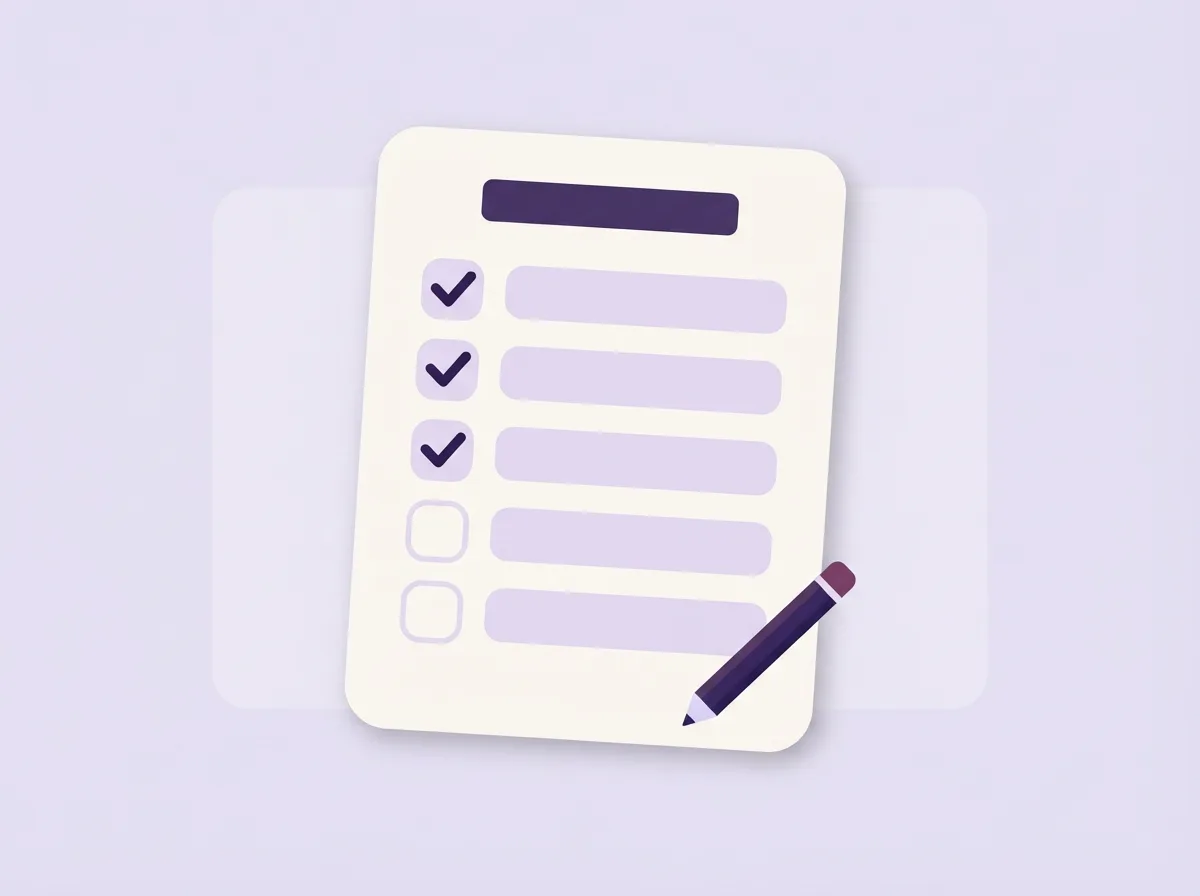
FREE WORKSHEET
Not sure where to start?
Five questions help you pick the one process to fix first. Download the free fillable PDF.
Got one process that eats your week?
Book a free 30-minute call. We run it through five questions and decide if it is worth automating.